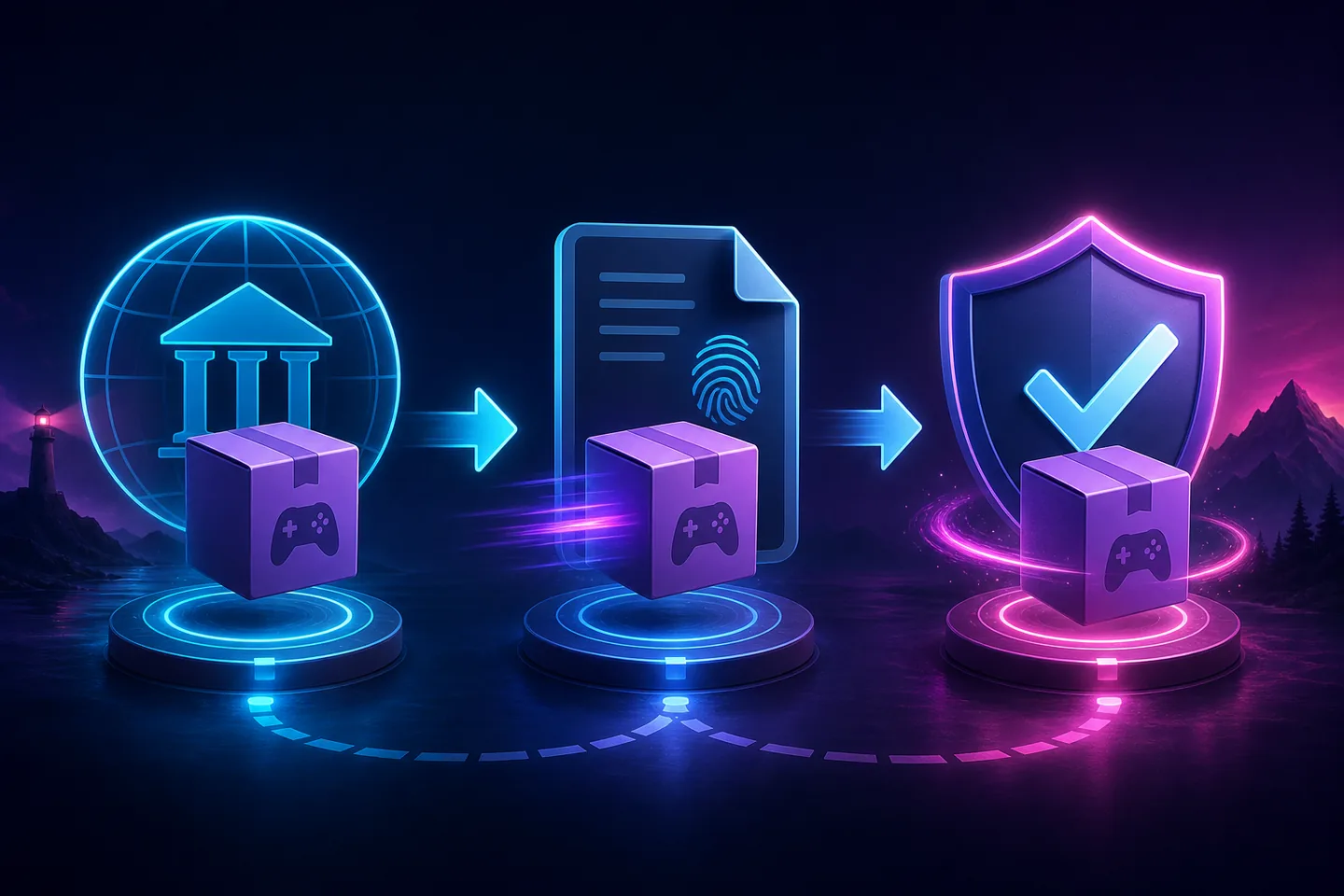
Short answer: Eden is not the same as every Eden download
The Eden project publishes source code and releases through its own website and Forgejo infrastructure. That gives users a public release record to compare against, but it does not make every APK, ZIP, DMG or AppImage found in search results trustworthy. A copied logo, familiar filename or claim such as “official latest version” is not proof of origin.
A sensible answer to “is Eden Emulator safe?” is conditional: use the official project route, verify that the release and filename agree, keep Windows Security, Android Play Protect or equivalent platform protection enabled, and avoid packages bundled with games, keys, firmware, launchers or advertising installers. Back up saves and configuration before changing versions.
Which Eden download sources are official?
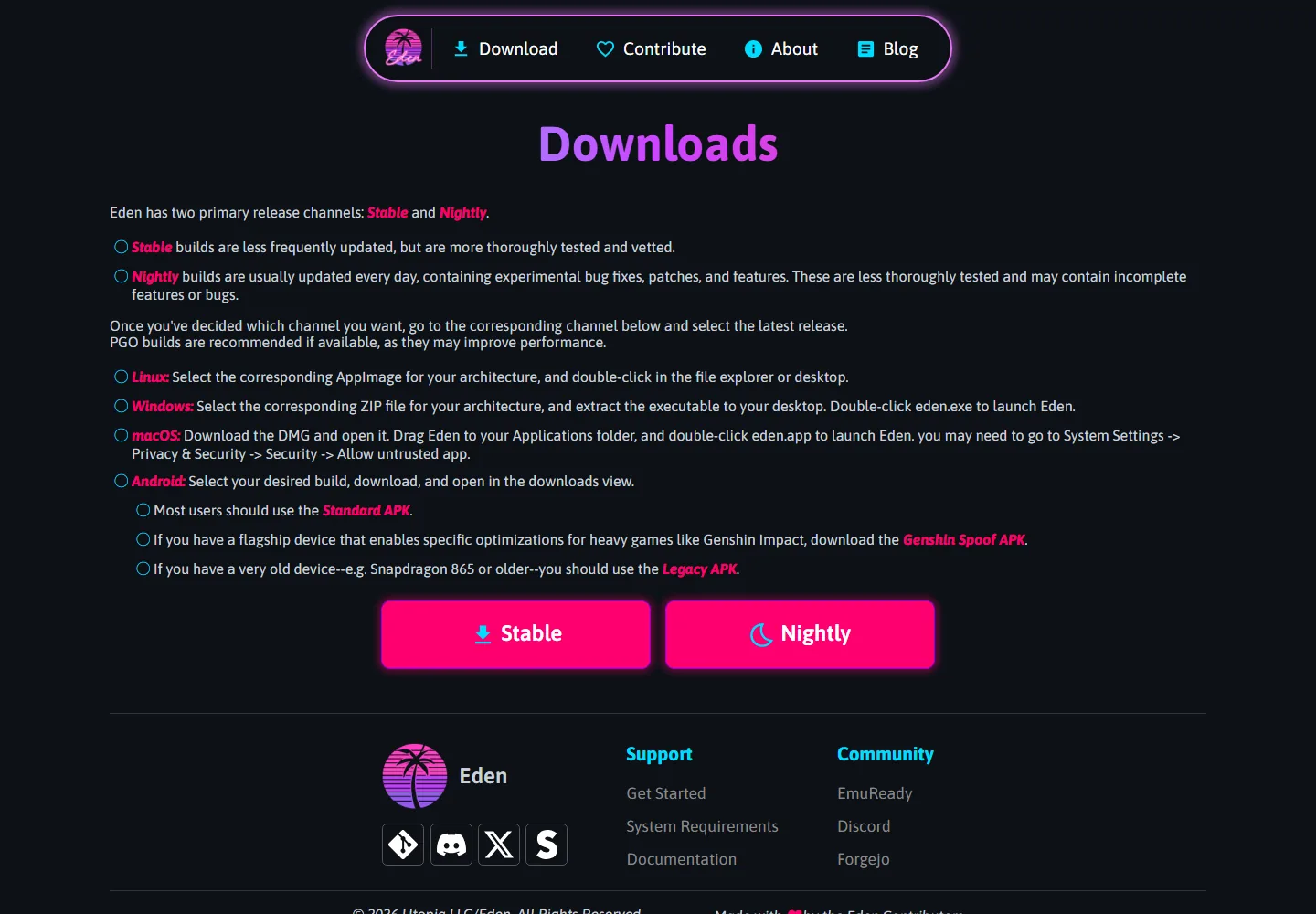
Start at eden-emu.dev/downloads. The project page describes Stable and Nightly channels and links users to the corresponding release infrastructure. Stable files use stable.eden-emu.dev, Nightly files use nightly.eden-emu.dev, and release records are published at git.eden-emu.dev.
Our Eden download page links to those project-controlled routes and explains the available platforms. If a site sends you to an unrelated domain, asks you to install its own downloader, shortens the final address, or hides the real file behind several redirects, return to the official project page instead.
| Address | Expected purpose | Safety check |
|---|---|---|
| eden-emu.dev | Official project website and downloads guide | Confirm HTTPS and the exact domain |
| git.eden-emu.dev | Source repository and release records | Match tag, date and asset name |
| stable.eden-emu.dev | Stable release files | Use the file linked by the matching Stable release |
| nightly.eden-emu.dev | Nightly build files | Expect experimental builds and keep rollback files |
Current verified release facts on August 16, 2026
The official Forgejo API still lists Eden v0.2.1 as the latest Stable release. It was published on June 1, 2026 in the project's timezone and may appear as June 2 when a page formats the timestamp in UTC. The latest verified Nightly release is Eden Nightly - Aug 21 2026, tag v1787336654.5c54abf353, published August 15, 2026.
No newer Stable version was found during this check, so the site's existing v0.2.1 fields remain current. Official metadata lists Windows ZIP, Android APK, Linux AppImage and macOS DMG assets. Because the Forgejo API does not expose a reliable size for every asset, this guide does not treat missing metadata as a verified file size and does not invent a checksum or malware-scan result.
| Channel | Verified release | Date | Best use |
|---|---|---|---|
| Stable | Eden v0.2.1 | June 1–2, 2026 | Most users who prefer a tested baseline |
| Nightly | Aug 14 2026 / 13d39f39aa | August 14, 2026 | Testing recent fixes with a rollback plan |
Warning signs that an Eden package may be unsafe
Most avoidable risk comes from confusing the open project with unofficial redistribution. Search ads, video descriptions, file lockers and imitation pages may use the correct product name while replacing the file or wrapping it in a separate installer. Treat urgency, secrecy and disabled protections as red flags rather than installation requirements.
Eden itself does not need to include commercial games, universal prod keys, title keys or Nintendo firmware. A bundle that promises a ready-to-play library combines unrelated copyrighted or access-controlled material with the emulator and creates both security and legal risk.
- The final download domain is not controlled by the Eden project.
- The page tells you to disable antivirus, SmartScreen or Play Protect.
- The download is an EXE installer when the official Windows asset is a ZIP.
- The package includes ROMs, NSP/XCI files, keys, firmware or a third-party launcher.
- The filename does not match an asset on the corresponding Forgejo release.
- The mirror claims a newer Stable version that the official release list does not show.
How to verify an Eden download before installing
Verification does not require specialist reverse engineering. The goal is to create a chain of evidence from the official website to the release record and final file. Stop when one link in that chain cannot be explained. Do not allow a download manager or mirror to make the decision for you.
The palm-tree image below identifies this independent wiki, not the official project. Always distinguish a guide's branding from the external address that actually serves the software.

- Open the official downloads page
Type eden-emu.dev yourself or use a saved bookmark. Confirm HTTPS and inspect the full hostname.
- Choose Stable or Nightly deliberately
Stable is the safer baseline for most users. Nightly may contain newer fixes but can also introduce incomplete behavior.
- Match the release record
Compare the tag, publication date, operating system, architecture and complete asset filename on git.eden-emu.dev.
- Keep platform protections enabled
Let your operating system scan the file. Investigate warnings instead of bypassing them automatically.
- Back up before replacing a build
Copy saves and important configuration outside the application folder, and retain the previous working build until testing is complete.
Platform-specific safety checks
The download shape differs by platform, so a safe-looking file on one system may be suspicious on another. Use the Windows guide, Android guide, Linux guide or macOS guide for installation details after the source has been verified.
On Windows, extract the official ZIP to a dedicated folder and inspect the archive before running it. On Android, avoid cloned store listings and compare the APK variant with the official release. On Linux, distinguish the executable AppImage from the smaller .zsync update metadata. On macOS, use the official DMG and read system security prompts rather than following a mirror's bypass instructions.
| Platform | Expected package | Extra check |
|---|---|---|
| Windows | ZIP archive | Extract before launch; unexpected web installers are suspicious |
| Android | APK | Confirm Standard, Legacy or another official variant |
| Linux | AppImage | Do not confuse the application with .zsync metadata |
| macOS | DMG | Review Gatekeeper prompts and the source domain |
Privacy, games and legal boundaries
Software-source safety is only one part of responsible emulator use. Eden does not provide games, console encryption keys, firmware or Nintendo system files. Obtain and use those materials only where you have the rights and equipment to do so, and do not upload private keys, saves or account data to strangers for troubleshooting.
Keep personal files outside public support attachments. When reporting a crash, share the Eden version, operating system, hardware and relevant error text, but review logs for usernames, folder paths and identifiers first. The keys and firmware guide explains the site's legal boundary, while the setup guide covers backups and baseline configuration.
Verdict: use a repeatable verification process
Eden Emulator is best treated like any actively developed open-source application: obtain it from the project, verify the release trail, preserve security controls and keep backups. The official source record lowers uncertainty, but it cannot protect users who install repackaged files from unrelated mirrors or mix the emulator with untrusted game and key bundles.
For the lowest-risk starting point, choose the current Stable channel from the official downloads page. Move to Nightly only when a recent fix matters to you and you can restore the previous build. Recheck the official release record whenever a site claims that a new version is available.
Eden Emulator safety FAQ
Is Eden Emulator malware?
The official project publishes source and release records, but no guide can guarantee every file using the Eden name. Use project-controlled domains, match the release asset and keep security scanning enabled.
Is the Eden Emulator APK safe?
Use the APK linked by the official release record and confirm the variant and filename. Avoid cloned store listings, repackaged APK sites and packages bundled with games, keys or firmware.
Should I disable antivirus to run Eden?
No. Investigate the exact warning, confirm the official source and stop if the file cannot be matched to a project release.
Is Eden Nightly safe to use?
Nightly comes from the project but is updated faster and may contain incomplete features or bugs. Keep backups and the previous working build.
Does Eden include games, keys or firmware?
No. The emulator is separate from games and console system data. Bundles that promise everything in one package are a warning sign.
What is the latest verified Eden version?
On August 16, 2026, the latest verified Stable release is Eden v0.2.1 and the latest verified Nightly is Eden Nightly - Aug 21 2026, tag v1787336654.5c54abf353.