
What Eden keys and firmware are
The official Eden Quick Start lists firmware dumped from your console, keys extracted from your console, and games dumped from your console as separate prerequisites. That distinction matters: a valid emulator download does not supply copyrighted console data.
This guide explains configuration and diagnosis only. It does not host or link to prod.keys, title.keys, firmware archives, ROMs, NSP or XCI files. Laws differ by location, so confirm your rights before extracting or using console data.
Keys, firmware and game dumps are different
prod.keys lets the emulator understand encrypted content metadata. Firmware provides system modules and services. A game dump is the title you own and have copied for personal use. Replacing one category cannot repair a missing file from another category.
Keep each source set together and label the console system version and extraction date. Mixing an old key file with a newer firmware package is a common cause of “missing key,” failed decryption, or content-not-recognized errors.
| File | Purpose | Common mistake |
|---|---|---|
| prod.keys | Decrypts supported content metadata | Using a file from an unrelated system version |
| Firmware | Provides console system modules | Installing firmware that does not match the keys |
| Owned game dump | Provides the game content | Treating a broken dump as a key problem |
Use the official Eden setup workflow
Start with an Eden build from the official Stable or Nightly release page. Launch it once, then use Eden’s own file or system-data menu where available instead of guessing a hidden folder. Import keys first, install the matching firmware, restart Eden, and only then add a legal game directory.
Before replacing any working data, copy the existing Eden user folder or use portable mode. Change one variable at a time. This makes rollback possible and shows whether the build, keys, firmware, driver, or game dump caused the failure.
- 1
Download Eden only from the official Stable or Nightly release page.
- 2
Back up the active Eden user folder, saves and working system data.
- 3
Import your legally extracted keys through Eden’s own menu or active user folder.
- 4
Install firmware extracted from the same owned console generation.
- 5
Restart Eden, add one legal game directory, then test and read the log.
Match versions before troubleshooting
There is no universal “latest firmware” answer for every library. The practical goal is a compatible set: keys extracted for the same console software generation as the firmware you install, plus a current Eden build that supports that generation.
On 2026-08-05, the verified Stable release remained Eden v0.2.1. The verified Nightly was Eden Nightly - Aug 21 2026, tag v1787336654.5c54abf353. A newer Nightly may exist later, so check the official release page before changing a working setup.
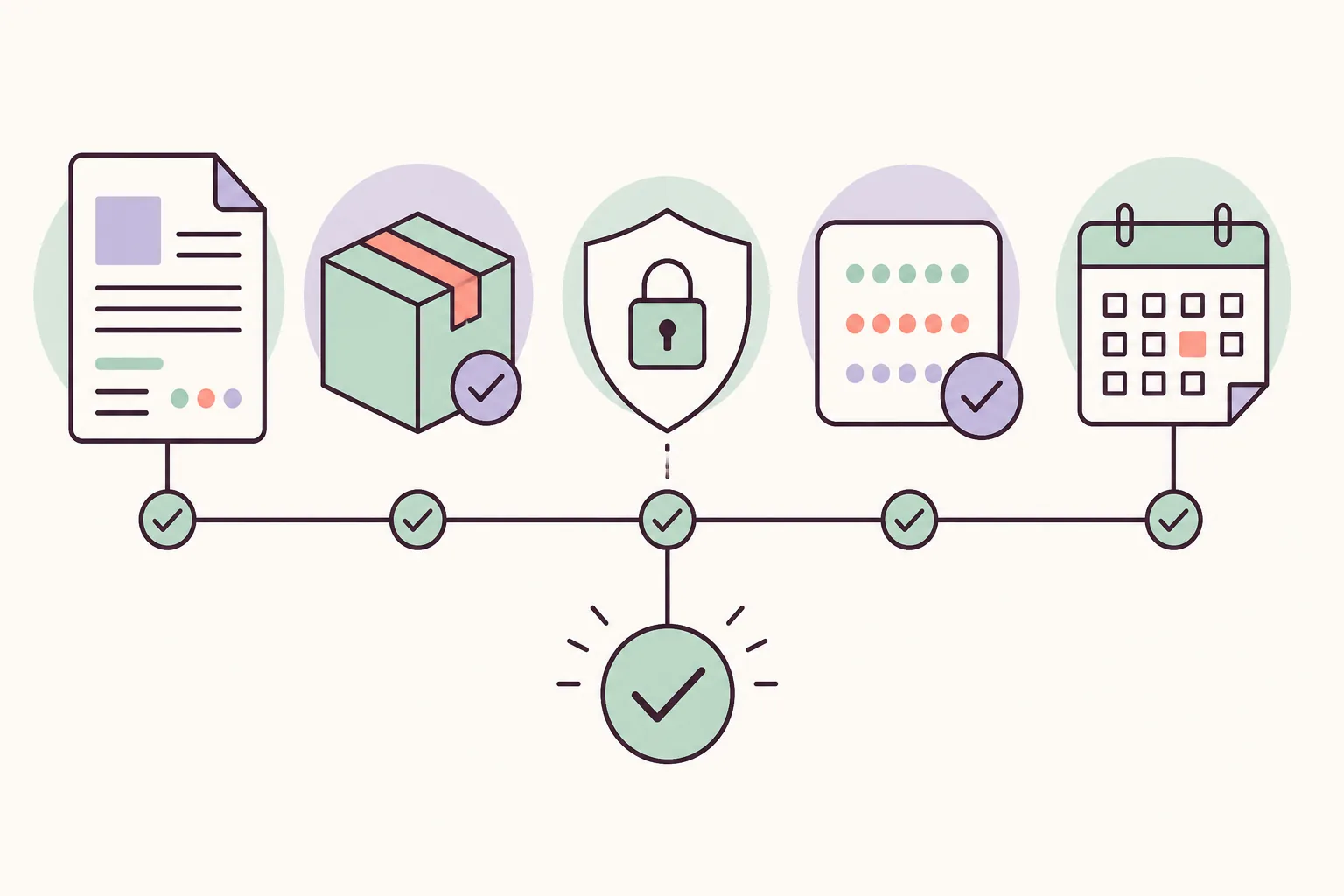
Fix common key and firmware errors
If Eden says keys are missing, confirm the exact filename, verify the file was imported into the active user profile, and restart the application. If firmware installation fails, confirm the archive is complete and belongs to the same legally owned console source as the keys.
If games remain invisible, do not immediately replace keys. Check the game directory, supported dump format, file permissions, storage access on Android, and whether the dump itself is complete. Read the log after reproducing the error once.
| Check | Action |
|---|---|
| Keys missing | Verify filename, active profile and restart |
| Firmware install fails | Verify archive integrity and version pairing |
| Game not listed | Verify directory, permissions and dump integrity |
Platform and backup notes
Windows portable and normal installs can use different user folders. Android storage permissions and app variants can point to different data locations. Linux AppImage users should not confuse the application with its .zsync metadata. macOS users should preserve the same profile when moving the app.
Back up keys, firmware, saves and configuration separately. Never upload keys or firmware to public issue trackers, Discord messages, cloud logs or screenshots. Redact paths and hashes when asking for support.
Official sources
Use the Eden Quick Start and public release pages as the primary references. They identify required prerequisites and verified build names without offering copyrighted console files. The broader setup guide covers installation; the compatibility guide covers per-game testing.
Eden Emulator decryption keys missing: a safe checklist
If Eden reports that decryption keys are missing, do not download an anonymous pack. Confirm the exact filename, the active user profile, the import method exposed by your build, and the relationship between the key set and firmware version.
Restart Eden after importing, then test one legal game backup and read the log. If the error remains, change one variable at a time instead of replacing keys, firmware, drivers and the emulator build together.
- Use only keys extracted from hardware you own legally.
- Check the active user folder or Eden import menu.
- Pair keys and firmware from the same console software generation.
- Keep keys and firmware private; do not upload them to public support threads.
FAQ
Does Eden Emulator include prod.keys?
No. Official Eden packages do not include console keys, firmware or games. Use only data lawfully extracted from hardware and software you own.
What firmware should I use for Eden Emulator?
Use a firmware set compatible with keys from the same console software generation. Do not chase a random version number from an unverified mirror.
Where do I put prod.keys in Eden?
Prefer Eden’s own key import or system-data menu. If your build exposes a user-folder command, open that active folder rather than copying files into a guessed path.
Why does Eden still say keys are missing?
The usual causes are a wrong filename, the wrong active profile, an incomplete file, a version mismatch, or failure to restart after importing.
Can I download games, keys or firmware here?
No. This site does not host or link to ROMs, NSP/XCI files, keys or firmware archives.
Where do I put decryption keys in Eden Emulator?
Prefer the key-import or system-data menu exposed by your Eden build. If it uses an active user folder, open that folder from Eden rather than guessing a path, then restart and check the log.
Can I use Eden without decryption keys?
Some application screens may open, but supported encrypted system or game functions can fail without the required keys. This guide does not provide keys; use only data legally extracted from hardware you own.