
Is there an official Eden Emulator compatibility list?
The official Eden website describes Eden as a multi-platform Nintendo Switch emulator and links users to downloads, documentation and the EmuReady community. We did not find a stable official per-game table that can be copied as a permanent answer.
Treat this page as a method for checking Eden Emulator game compatibility, not as a claim that every listed game works on every computer or phone. A report is evidence for one configuration at one time; a newer Nightly can fix one title and regress another.
Start with the latest verified Stable build, find a recent report that names Eden, then compare its operating system, CPU or SoC, GPU driver, emulator version and notes with your own setup.
A useful compatibility list also separates game behavior from installation problems. Failure before the game appears may come from an incorrect package, missing legally dumped system data, a damaged game dump or an unsupported driver. Confirm that Eden itself launches correctly before assigning a game status.
Dates matter as much as labels. If a report does not show when it was posted or which Eden build it used, treat it as low-confidence evidence and look for a newer result.
What compatibility status labels actually mean
Compatibility sites use short labels, but the notes are more important than the badge. A game can reach gameplay and still have broken graphics, missing audio, crashes after a specific scene or performance that is too slow for normal play.
Map different community labels to the nearest practical outcome and read the complete report before drawing a conclusion.
Performance numbers need context. Thirty frames per second may be correct for one title and too slow for another; a short menu test does not prove stable frame pacing during combat, shader compilation or a demanding area. Record whether the result was measured after caches were built and whether speed stayed consistent.
Save reliability is another boundary. A title that looks correct for ten minutes can still fail to save, reload or pass a later checkpoint. A strong Playable or Perfect report should include at least one save-and-reload test and enough play time to reach more than the opening scene.
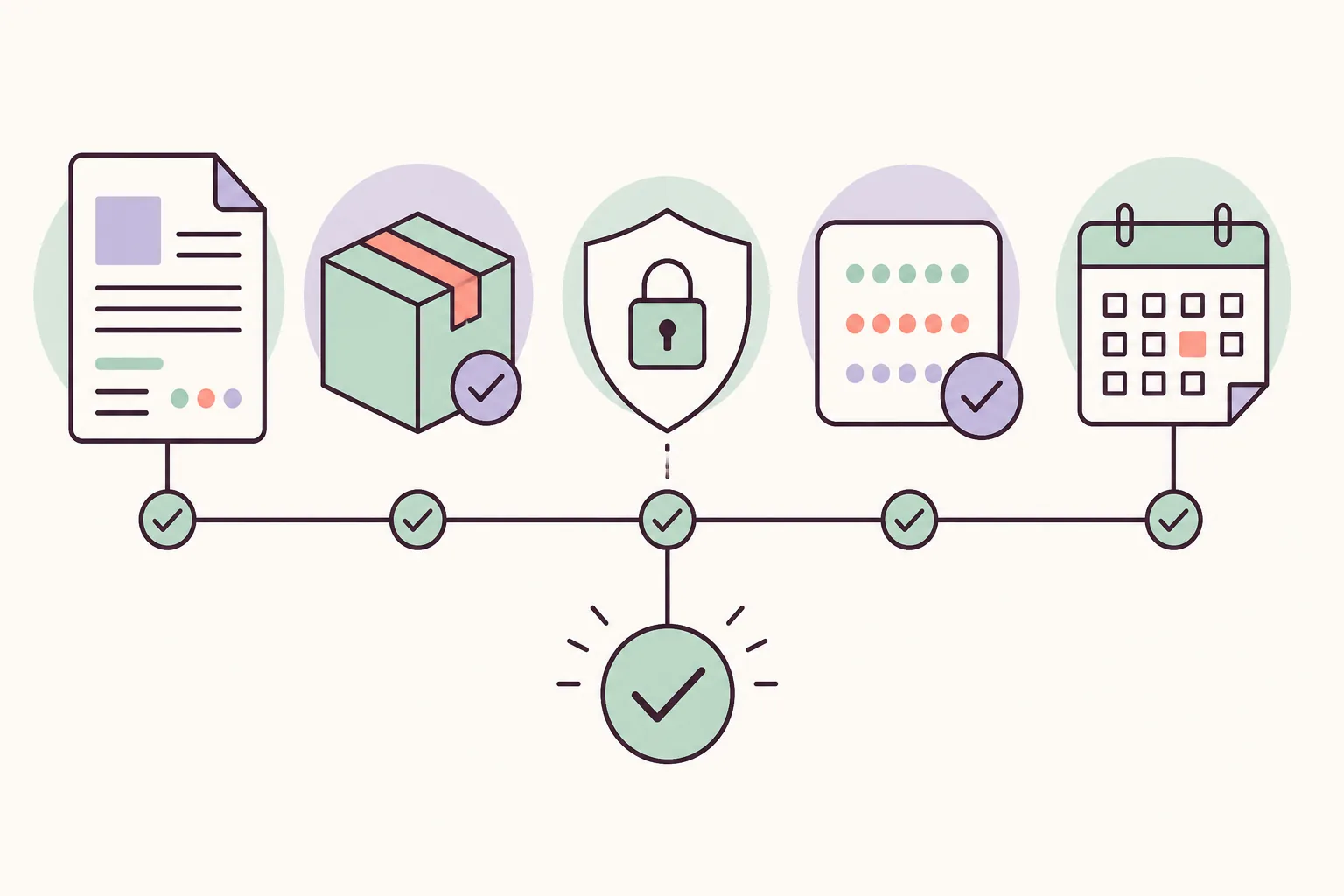
| Status | Practical meaning | Evidence to require |
|---|---|---|
| Perfect | Meaningful play without a known blocking issue. | Build, hardware, driver, duration and tested areas. |
| Playable | Core gameplay works, but visual, audio or performance issues may remain. | Specific defects, workarounds and save tests. |
| In-game | The title reaches gameplay but is not ready for normal completion. | Failure point, logs and repeated results. |
| Boots | Menus or an opening screen appear, but gameplay is not confirmed. | Exact stopping point and system-data checks. |
| Broken | The title fails to start or has a blocking defect. | Error text, log, build and attempted fixes. |
Match the Eden build before trusting a report
Eden publishes Stable and Nightly releases. The verified Stable release remains v0.2.1. The latest Nightly checked for this article is Eden Nightly - Aug 21 2026, tag v1787336654.5c54abf353. The release API does not expose a reliable size for every asset, so this site avoids copying an unverified size.
Record the full version or commit, release channel, platform package, graphics driver and custom settings. Android results can change with the SoC and driver; PC results can change with the GPU and driver version.
Open the official Aug 04 Nightly release to compare the tag and package family before testing.
How to read EmuReady and other community reports
Community reports show real devices and drivers that an official release page cannot test. They are user-generated, may be old and may disappear, so use them as leads rather than guarantees.
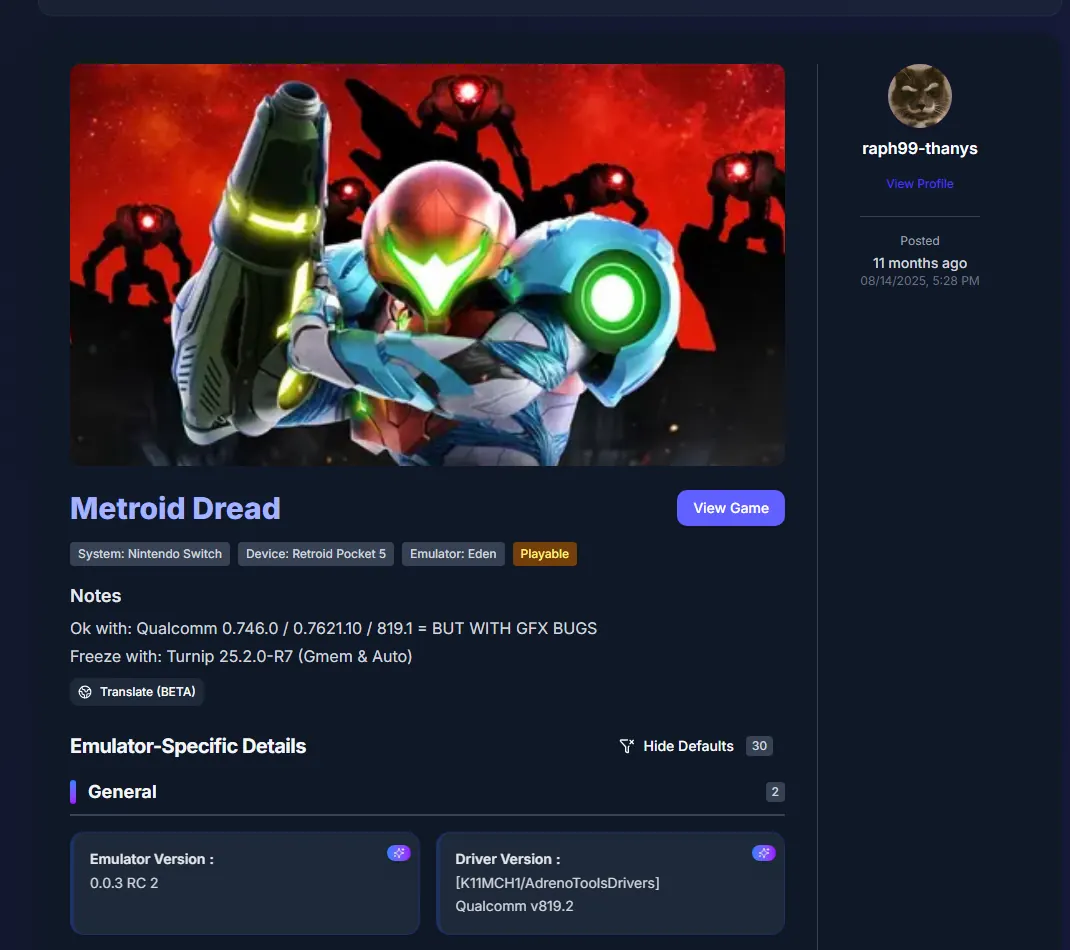
The example below marks Metroid Dread Playable but also records graphics bugs, an Android device, a Qualcomm driver and Eden 0.0.3 RC2. Those details matter more than the badge, and the screenshot is not an official Eden verdict.
Check the live EmuReady report when available and compare multiple recent entries before changing drivers or settings.
When reports disagree, prefer the one closest to your hardware and build rather than the one with the best badge. Two apparently conflicting reports can both be accurate when one uses a different Android driver, Windows GPU, game update or Nightly commit.
A repeatable five-step game compatibility test
Test one change at a time and keep a short record. This makes the result useful without publishing copyrighted games, keys or firmware.
- Record the baseline
Write down the Eden channel, version or commit, operating system, device, CPU or SoC, GPU and driver.
- Use legally obtained data
Use only game and system data extracted from hardware and software you legally own.
- Start with default settings
Check boot, gameplay, save and reload before copying a random settings profile.
- Reproduce the problem
Repeat the same scene after changing only one setting, driver or Eden build.
- Report the limits
Describe play time, tested areas, performance, visual defects, audio defects and crashes.
Compatibility list mistakes to avoid
Keep the keyword boundary narrow: this page is about checking Eden game compatibility, not downloading games or system files.
- Do not call a game Perfect after reaching only the title screen.
- Do not compare Android and PC reports without checking the device and graphics driver.
- Do not treat an old report as current when the Eden build is missing.
- Do not publish ROMs, NSP/XCI files, title keys, prod.keys, firmware or unofficial bundles.
- Do not hide regressions; state both what works and what fails.
Eden Emulator compatibility FAQ
Does Eden Emulator have an official compatibility list?
The official site links to community resources, but we did not find a stable official per-game table suitable for a permanent mirror.
What games work on Eden Emulator?
Results vary by game, Eden build, operating system, CPU or SoC, GPU driver and settings.
Is Playable the same as Perfect?
No. Playable can still include graphics, audio, performance issues or occasional crashes.
Should I use Stable or Nightly?
Begin with Stable for a repeatable baseline and test Nightly only for a relevant fix, with a backup.
Why does a game work for another user?
Their device, driver, Eden version, operating system or game update may differ.
Does this page provide games, keys or firmware?
No. This site does not host or link to ROMs, NSP/XCI files, keys or firmware.