
The short answer: check Forgejo before GitHub
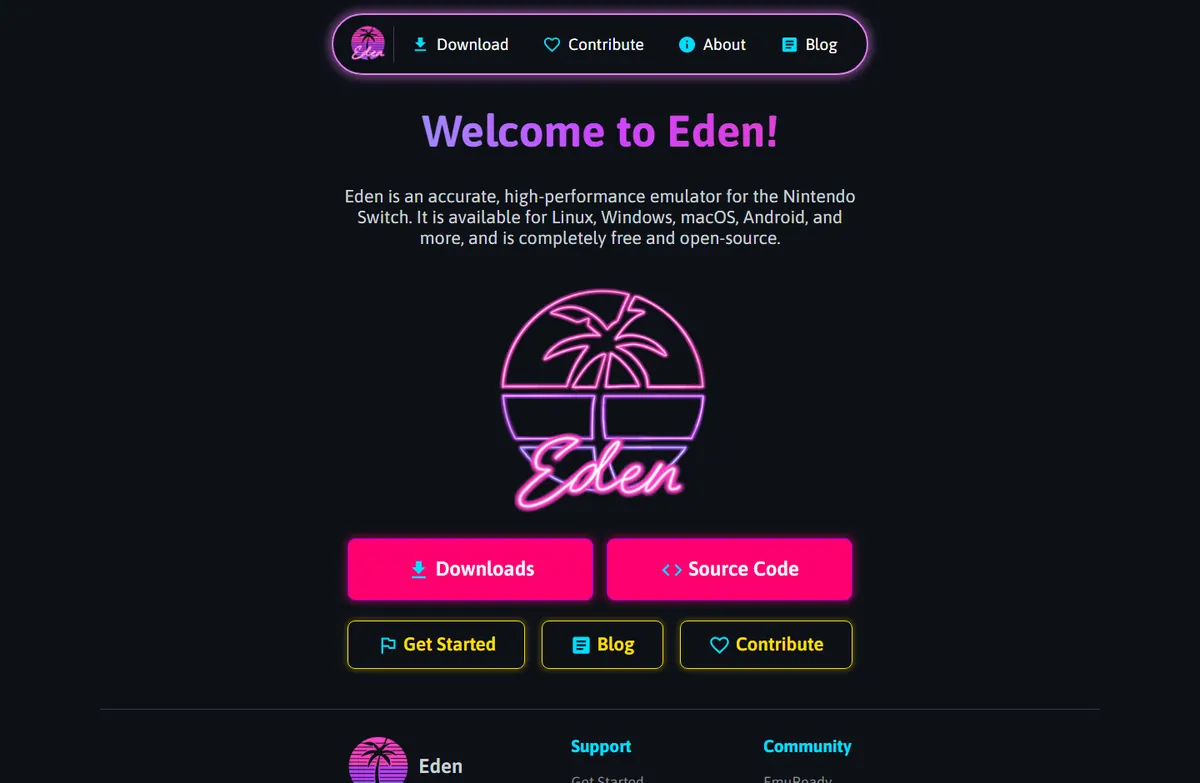
The phrase Eden Emulator GitHub often describes a search path, not a verified host. The official source trail used by this guide begins at eden-emu.dev and continues to the public Eden Forgejo source repository. A GitHub result, fork or download page with a different owner or domain should be treated as a lead to investigate, not proof that the file is official.
The stable source and Nightly release repositories serve different purposes. Stable history is published under eden-emu/eden releases; automated Nightly records are published under eden-ci/nightly releases. Keep the complete release URL available instead of relying on a shortened search result.
| Search result or destination | What to verify | Recommended action |
|---|---|---|
| github.com result | Owner, project links, recent activity and release provenance | Do not assume it is official until the Eden project links to it |
| eden-emu.dev | Official navigation, download instructions and project identity | Use it as the starting point |
| git.eden-emu.dev/eden-emu/eden | Source code, issues and Stable release history | Use it for the Stable source trail |
| git.eden-emu.dev/eden-ci/nightly | Automated Nightly tags, commits and package assets | Use it for Nightly verification and rollback notes |
Use the official website as the navigation anchor
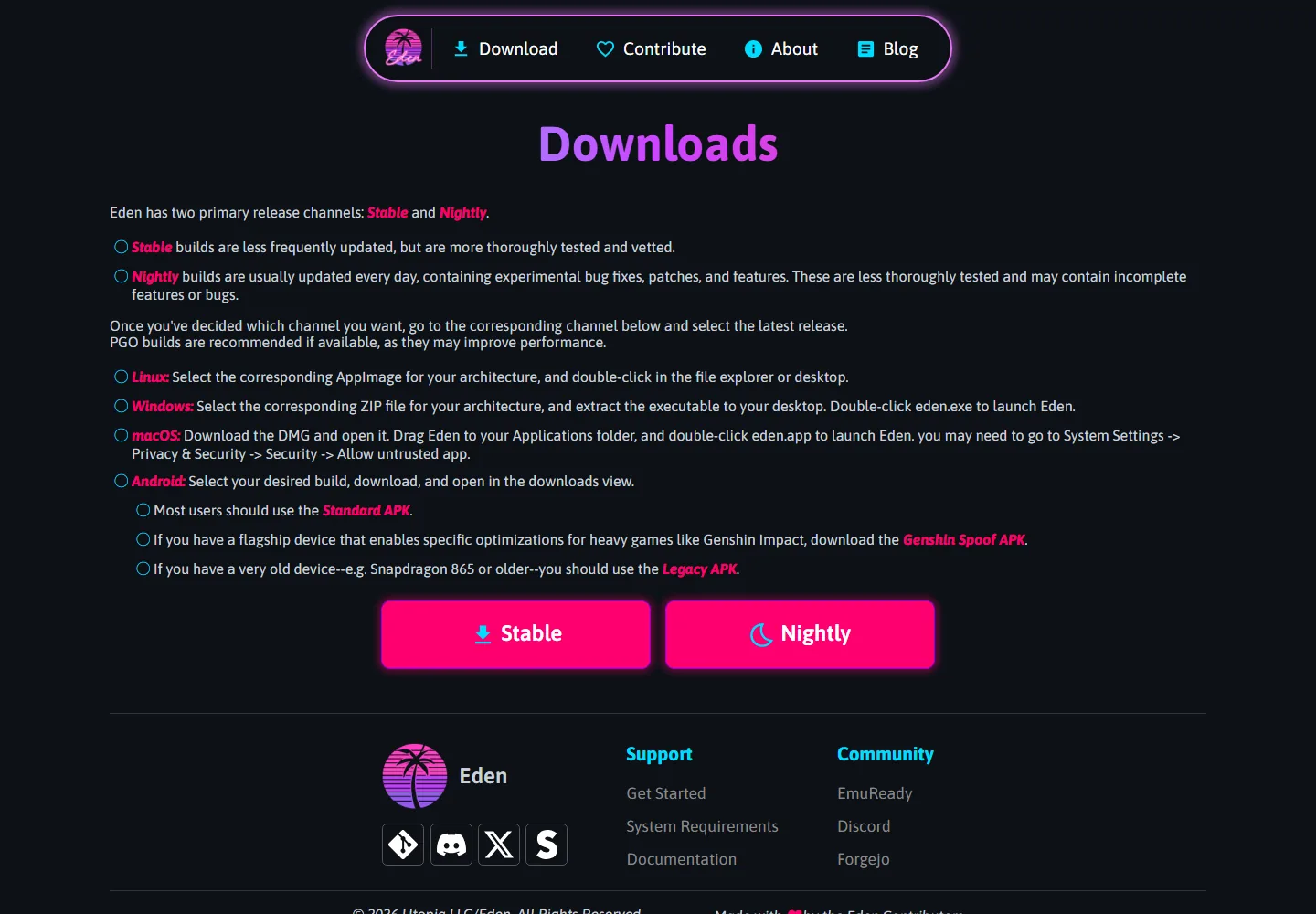
The official downloads page separates Stable and Nightly and explains the expected package shape for Windows, Linux, macOS and Android. Its visible buttons are useful context, but the release record remains the authority for the tag and asset filename. A page that copies the Eden name while sending you to an unrelated file host has not passed this check.
When you follow an Eden Emulator GitHub search result, compare its destination with the official website before downloading. Confirm the hostname, open the corresponding Forgejo release page, and match the platform, architecture, release tag and file extension. Do not install a browser helper, bundled launcher or second downloader just because a mirror says it is required.
- Confirm the full hostname instead of trusting a logo or page title.
- Open the matching Forgejo release record before opening a binary.
- Use ZIP for the usual Windows build, AppImage for Linux, DMG for macOS and APK for Android.
- Avoid pages that bundle games, keys, firmware, ads or an unexplained installer.
Read the release tag and asset filename together
A release tag is useful only when it matches the repository, publication record and complete asset name. The verified snapshot used for this guide was checked on August 16, 2026: Stable was v0.2.1, published June 2, 2026; the Nightly record was labelled Eden Nightly - Aug 21 2026 with tag v1787336654.5c54abf353. These are dated verification notes, not a promise that a later release does not exist.
The official Nightly page also exposes the commit-derived suffix 13d39f39aa and the package targets. This is why eden nightly emulator github should be answered with the complete Nightly release record rather than a random GitHub download. Before each download, reopen the official release page and compare the current tag and filename.
| Channel | Verified identifier | Representative package | Best use |
|---|---|---|---|
| Stable | Eden v0.2.1 | Eden-Windows-v0.2.1-amd64-clang-pgo.zip | A tested baseline for most users |
| Nightly | v1787336654.5c54abf353 | Reopen the official Nightly release record; filename not pinned | Testing a recent change with a rollback plan |
A five-step Eden Emulator source check
This workflow answers the practical intent behind github eden emulator and keeps the source trail reproducible. If any step fails, stop and return to the official Eden website or the complete Forgejo release page. The independent Eden safety guide covers warning signs in more detail.
- Start from the official project domain
Type eden-emu.dev yourself or use a saved bookmark. Confirm HTTPS and inspect the full hostname before following a download button.
- Identify the repository and channel
Use eden-emu/eden for Stable source and releases, or eden-ci/nightly for automated Nightly records. Do not mix a Nightly asset with a Stable tag.
- Match the release record
Compare the tag, publication date, commit suffix, operating system, architecture and complete asset filename on the official release page.
- Choose the package for the device
Use the dedicated Windows, Android, Linux or macOS guide after the source is verified. The Eden download guide explains the platform package differences.
- Keep a rollback path
Back up saves and configuration, retain the previous working build and record the tag used for testing. Nightly builds can contain regressions even when the release page is genuine.
Common GitHub search mistakes
Search engines can show a code mirror, an abandoned fork, a community guide or a download page above the project-controlled source. That ordering is not an authenticity signal. The related phrase github eden emulator is therefore best used as an internal-link anchor to this verification guide, while platform-specific download terms belong on the existing platform pages.
Do not download a source archive expecting it to be a ready-to-run Windows, Android, Linux or macOS build. Source code, release assets and third-party repacks have different purposes. Never treat a repository star count, a copied logo, a prefilled antivirus badge or a comment saying “latest” as a replacement for matching the official release record.
- Following an old fork because its repository name looks familiar.
- Using a source-code ZIP as though it were the packaged application.
- Trusting a GitHub-style release name without checking the official owner and domain.
- Mixing the Nightly commit suffix with a Stable package path.
- Opening a mirror that asks you to disable antivirus, SmartScreen or Play Protect.
Choose the next page by your actual intent
Use this page when the question is where the official Eden source or release record lives. If the goal is to select a package, continue to the Eden Emulator download guide. If the goal is an automated build, use the Eden Nightly guide. For first launch and legal data setup, use the Eden setup guide after the source check is complete.
Eden Emulator GitHub FAQ
Does Eden Emulator have an official GitHub repository?
A GitHub search result is not enough to establish ownership. Start from the official Eden website and use its current Forgejo source and release links. Treat a GitHub repository as official only when the project itself clearly links to it.
What does Eden Emulator GitHub mean?
It is usually a navigational search phrase for finding Eden source code, release records or community mirrors. The useful answer is to verify the project-controlled website, repository owner, release tag and asset filename rather than selecting the first result.
Is Forgejo the same as GitHub?
Forgejo and GitHub are both code-hosting platforms, but they are separate services and domains. For Eden, the repository and release URL must match the current official project trail; platform names alone do not prove authenticity.
Should I choose Stable or Nightly?
Stable is the normal starting point for most users. Nightly is for testing recent changes or a relevant fix and should be used with a backup and a rollback plan. Read the exact release notes before replacing a working build.
Can I download games, keys or firmware from an Eden source page?
No. Eden release pages are for the emulator application. This site does not provide games, ROMs, encryption keys, firmware or protected Nintendo system files. Use only data obtained legally from hardware and software you own.